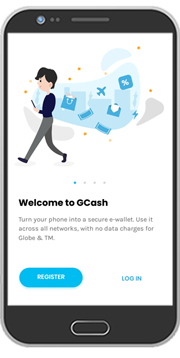
Mag-register sa GCash para ma-discover ang iba’t ibang paraan ng EASY payments.
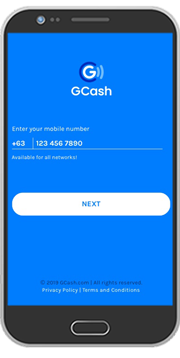
STEP 2: Ibigay ang mobile number at One-Time Pin.
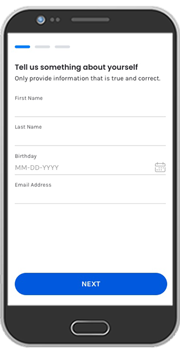
STEP 3: Kumpletuhin ang personal information at i-tap ang “Continue.”
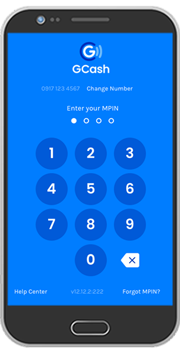
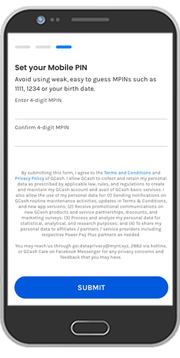
STEP 4: Mag-assign ng MPIN na magsisilbing password ng account mo.
STEP 5: I-tap ang “Download GCash.”
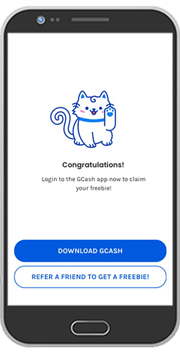
STEP 6: Mag-log in sa GCash app gamit ang mobile number at MPIN.